-
Web Development magzine put out in PDF – it’s hawt!
-
A replacement for phpMyAdmin
-
Old article from 2000 – profiled on today’s megnut
-
Profiling Jame Lilek’s latest: Mommy Knows Worst
-
Seen a war movie lately? Chances are that you’ve seen Dale Dye.. just behind the scenes
-
Site with all sorts of detailsa bout skyscrapers
-
yeah, ok, whatever. I see Ralph Nader has commented as well. Politics and football?!
-
Based on this list of supporters, I can see why they’re not successful.
Archives for November 2005
links for 2005-11-13
-
My own weblog – learning how to use del.icio.us
-
The author outlines the buildup to the Iraq War and all of the evidence and other information – very valuable in this time of revisionist history
-
NS takes on the White Phosphrus Controversy
-
A Brief history of milblogs
-
Remembering Peter Drucker
-
Thoughts on Bush and Post-Operation Iraqi Freedom Revisionist History
Software Essentials 2005
A year and a half ago, I wrote a post entitled Software Essentials, where I outlined what software I was using and why.
This post has become rather popular, having been linked to from 43 Folders and several other sites.
18 months later, I thought it would be an interesting comparison to see what I was using today and why. Here goes.
1. Text Editing: BBEdit. Nothing new here, I was using this eighteen months ago, and I still do. It helps that my friend Kerri is dating the owner of Bare Bones Software too.
2. Browsing: Mozilla Firefox. The first change of the list. Eighteen months ago, I was using Apple’s Safari and was about to test Mozilla Firefox for the first time. It didn’t take me long to switch. My biggest frustration with Safari was the regular lockups I would run into with the spinning disk of death. No more. I use several extensions with Firefox as well.
3. E-Mail: Mail.app. Another change. I had been using Microsoft’s Entourage the last time I posted about software. It was not too long after this that I switched to using Mail.app after watching several folks use it during BloggerCon 2004. I use it along with SpamSieve for spam filtering. No complaints.
4. Remote Connections: SSH. Nothing new here – it’s still the tool to use. I also tunnel my POP and SMTP connections through SSH along with some others.
5. PDA: Palm Treo 650 from Sprint. Eighteen months ago, I was using a Compaq iPaq 3850. That soon gave way to a new HP iPaq, which in January of this year, I ran over with my car (it’s a long story). Earlier this year, my employer switched our team over to the Treo. Although we’ve had some issues with reliability, it’s had the single largest impact on my productivity of any technological device this year.
6. Backup and Mirroring: ChronoSync and Infrant ReadyNAS X6. I was previously using rsync to a Dell NAS. Based on reading Phil Greenspun’s experience with an Infrant ReadyNAS device for a home music system, I looked into their solutions and purchased a 1TB ReadyNAS x6. This has been a great backup solution for the network here in the house. It grabs changes from the three macs (two laptops and a desktop) and the windows boxes as well. ChronoSync handles the backup process for the Macs.
7. Web Server: Apache. No change and nothing better.
8. Server Operating System: Debian Linux. Still the only linux system I’d use for personal server use.
9. Desktop Operating System: Mac OS X 10.4.3. The two laptops in the house are running the latest version. The desktop still is on 10.3 – not sure that I can justify an upgrade yet.
10. Instant Messenging: Proteus from Defaultware. I’ve played with some other solutions and still like this one.
11. IRC: I can’t remember the last time I used IRC.
12. Weblog Publishing Tools: Movable Type v3.2 and ecto. Really no change here. Just upgraded to MT v3.2 a few days ago. Ecto remains my main remote publishing and weblog management tool.
13. News Aggregator: NetNewsWire. Still the best Mac OS X newsreader. Outstanding scripting support as well.
14. Scripting Language: PHP. Nothing new here. Some of my server applications use Perl as well.
15. Database: MySQL. A new addition from the last list. Generally, I use MySQL for databases.
16. Office Suite: Microsoft Office for Mac OS X is my main office suite. It is completely compatible with what I use at work. With the new powerbook, I did get Apple Keynote and Pages and have begun fiddling with them as well.
17. Music: iTunes. That one should be obvious. I have about 5500 songs in my iTunes library.
18. VOIP: Skype. I don’t use Skype often and rarely have it open, but it’s a great and cheap way to make international phone calls using SkypeOut. No complaints.
19. Widgets and the like: I use Dashboard on the Powerbook since it has OS X 10.4 along with several widgets. I use Konfabulator on the PowerMac G4 desktop since it’s running OS X 10.3. I like both equally.
These are the key applications that I use at home and with my own computers. Work is a Microsoft only environment for the most part and I’ll skip discussing what I use there.
The original post, for comparison, from eighteen months ago is here.
Cheers! And to new beginnings..
A good friend of mine quit her job a few weeks ago – today was her last day.
She’s had a shitty experience the last few years. Working for an asshat of a supervisor, she finally amassed enough clientele in the graphic design and web business to walk away. And walk away she has.
So tonight, it’s a virtual toast. Corona for her. Sam Adams Octoberfest for me.
Here’s to new beginnings.. and world domination!
Powerbook Review
Daring Fireball has posted an outstanding & highly detailed review of his new 15″ Powerbook – the same machine that arrived this Tuesday for me (minus the 2GB of RAM in my case).
Veterans Day 2005
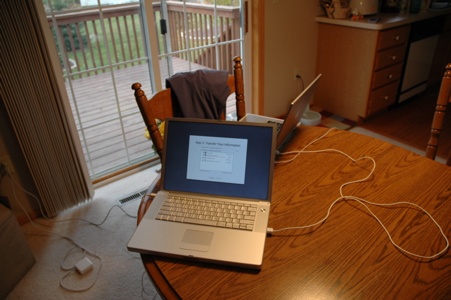
New Powerbook
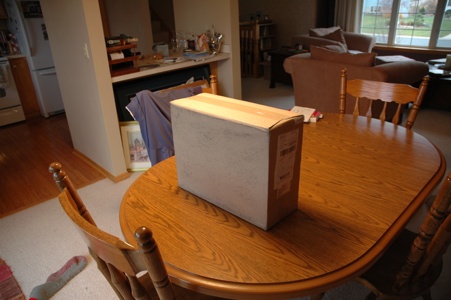
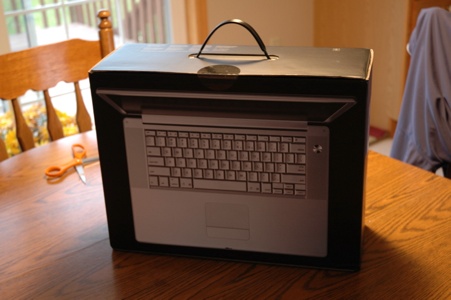
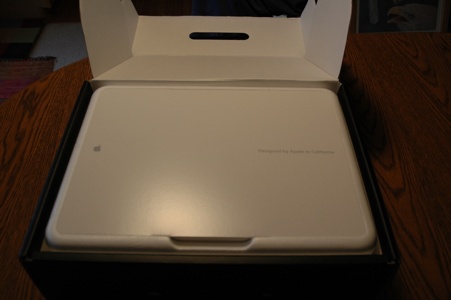
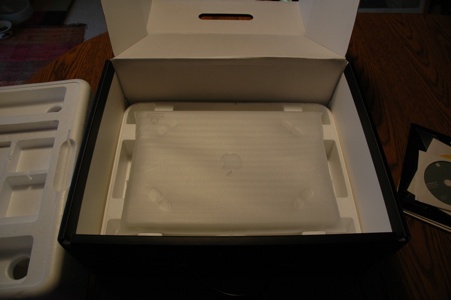
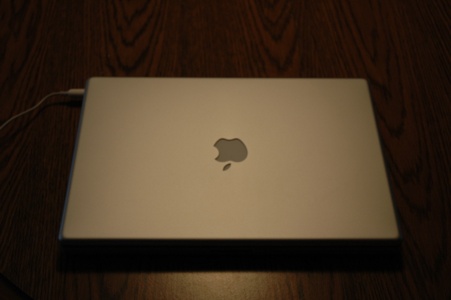
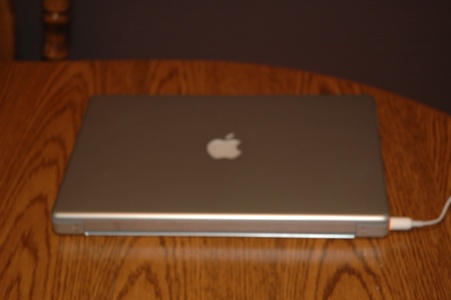
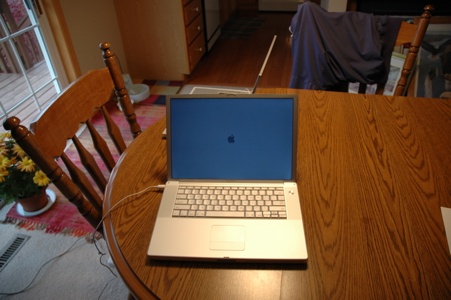
Completely unexpected to me, the new Powerbook arrived around 8:15am yesterday morning. Pretty impressive since I had ordered it on Thursday, it was in China on Saturday, and made it to my doorstep on Tuesday.
I’m not complaining, mind you, just impressed.
So here’s some pictures of the unpacking & process:
I used Apple’s transfer process to move over all of my applications and settings from my 3 year old Powerbook over to the new one. Took about two hours in total and I was up and running. Nothing needed to be reinstalled from scratch.
So far, very very happy with the new machine. Really enjoying the fact that the screen isn’t wobbly like my old broken one was.. the lighted keyboard rocks as well.
More to come….